

Websites · 5 min read
Contractor Website Must-Haves: 10 Things That Turn Visitors Into Calls
 By Adrian Martinez · 25+ years in web and marketing ·

On this page
A good contractor website makes calling you the obvious next step. It needs a tap-to-call number on every page, fast mobile load times, one page per service, a clear service area, real project photos, proof like reviews and insurance, a short quote form, clear next steps, call and form tracking, and fast follow-up.
Most homeowners find a contractor on their phone, look at two or three websites for well under a minute each, and call the one that feels safest. Your contractor website has one job in that minute. Here is what we build into every site, and how to check yours.
What makes a good contractor website?
These are the 10 must-haves, in the order a homeowner experiences them:
- A phone number you can tap on every page
- Fast load times on mobile data
- A short quote form that works on a phone
- Clear next steps
- One page for each service
- A clear service area
- Real project photos
- Proof you're the safe choice
- Call and form tracking
- Fast follow-up behind the scenes
Use this table to check your current contractor website in five minutes, on your phone:
| Must-have | Why it matters | Quick test |
|---|---|---|
| Tap-to-call | Visitors call the first number they can tap | Can you call from every page in one tap? |
| Speed | Slow pages lose visitors and rankings | Does the main content load in under 2.5 seconds? |
| Quote form | Every extra field loses leads | Can you finish it with one thumb in a minute? |
| Service pages | Each service ranks on its own page | Does every service you sell have its own URL? |
| Service area | Homeowners need to know you come to them | Are your towns listed in plain text? |
| Real photos | Your own crews and jobs prove the work is yours | Are most photos from your own jobs? |
| Proof | Hiring a contractor feels risky | Are reviews, insurance and warranty visible? |
| Tracking | You can't improve what you don't measure | Do you know last month's call and form count? |
Make calling you effortless
1. A phone number you can tap on every page
Put your number in the header of every page, make it tap-to-call on mobile, and keep a call button visible as people scroll. If someone has to hunt for your number, they call the next company instead.
2. Fast load times on mobile data
According to Google's web.dev guidance, sites should aim for the main content to appear (Largest Contentful Paint) in 2.5 seconds or less. Heavy sliders, autoplay videos and oversized photos are the usual culprits on contractor websites.
3. A short quote form that works on a phone
Name, phone, email, service, city and a message box. That's enough. An optional photo upload helps for trades where a picture makes quoting easier, like roofing or concrete repair.
4. Clear next steps
Tell people what happens after they reach out: "We'll call you back within one business day, book a free estimate and send a written quote." Uncertainty stops people from contacting you.
Show that you do the work
5. One page for each service
"Services: roofing, siding, gutters, repairs" on one page won't rank for anything. Give each service its own page with what it includes, how the job works, what affects the price, and photos of that exact work. Someone searching "flat roof repair" should land on a flat roof repair page.
6. A clear service area
List the cities and neighbourhoods you serve in plain text. For your biggest markets, a dedicated page with real local content, like local projects, can help you rank there. Thin copy-and-paste city pages don't.
7. Real project photos
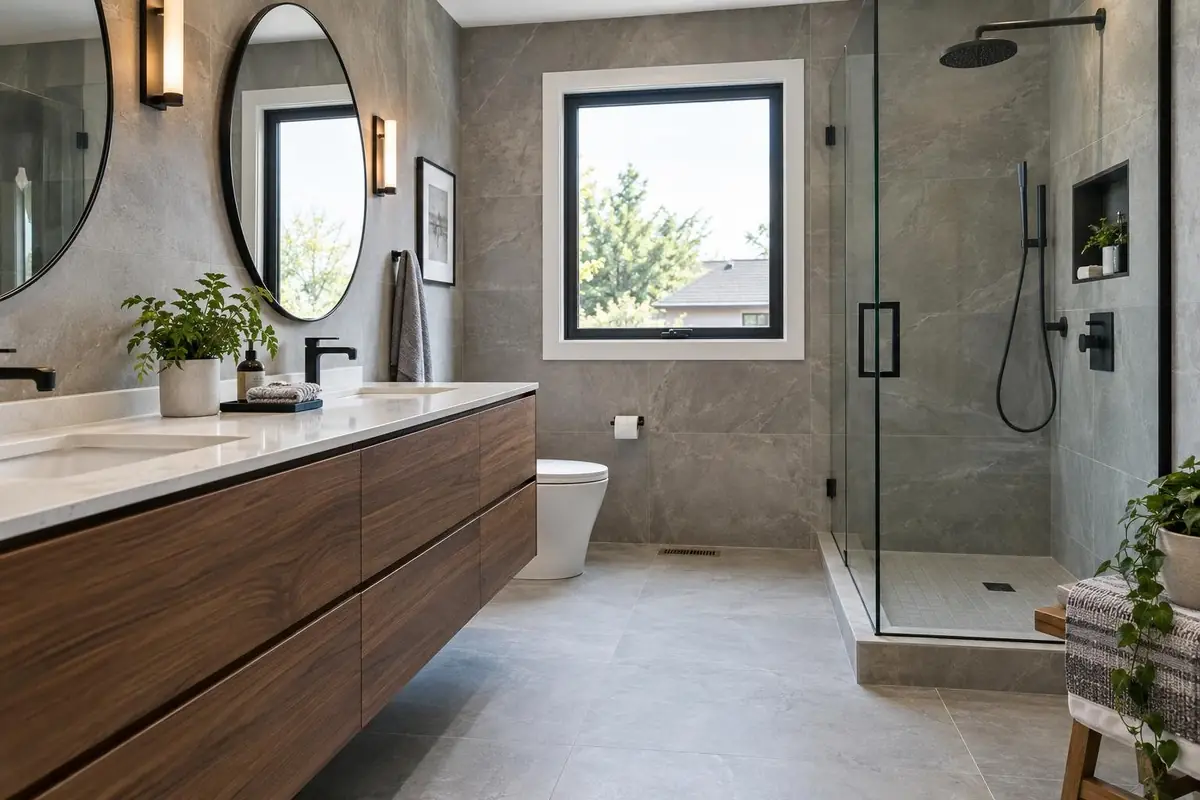
Before and after shots, your crew and your trucks prove you do the work. Well-lit phone photos are fine.
Prove you're the safe choice
8. Proof, near the top and again near the form
- Google reviews, ideally pulled in automatically so they stay current. BrightLocal (2026) found 97% of consumers read reviews for local businesses.
- WSIB clearance for Ontario contractors. A WSIB clearance shows you are registered and up to date with the WSIB, and each one is valid for up to 90 days.
- Liability insurance and any licences your trade requires.
- Warranties on workmanship and materials, in writing.
- Certifications from manufacturers and trade associations.
Track every lead and follow up fast
9. Call and form tracking
If you don't know how many calls and form leads your contractor website produces, you can't tell if it's working or which marketing pays off. Every site we build tracks calls and form submissions in Google Analytics, so when you add Google Ads or SEO you can see exactly what you get for the money.
10. Fast follow-up behind the scenes
The website gets the lead. What happens next decides whether you get the job, especially when the homeowner has contacted three companies at once. Missed-call text back, instant lead alerts to your phone and automatic quote follow-ups close that gap. That's what our Follow-Up & Automation service handles.
Frequently asked questions
How much does a contractor website cost?
With us, Launch websites start at $3,000 for up to 5 pages, and Lead Gen sites with SEO strategy and copywriting are $4,500 for up to 12 pages. Larger builds are quoted custom.
How long does it take to build a contractor website?
Most of our contractor sites launch in 3 to 6 weeks. The biggest factor is how quickly we get your photos, service details and feedback.
Do I need a website if I get most of my work from referrals?
Yes. Referrals still look you up before they call. A strong site with reviews and real project photos closes those referrals and brings in new work from search.
Should I put prices on my contractor website?
Starting prices or ranges filter out bad-fit leads and build trust. If every job is different, explain what affects the price instead of saying "call for pricing".
How fast should a contractor website load?
Google's web.dev guidance is to have the main content appear in 2.5 seconds or less. Test on your phone using mobile data, not office Wi-Fi.
Who should own my contractor website?
You should. Your domain, website and content should be yours, not locked into a platform you lose when you stop paying. With us, once the project is paid, the site is yours.
Next steps
Run the quick-test table above on your own site. Every "no" is a call going to someone else. Want a contractor website built around all 10? Our contractor websites start at $3,000 and most launch in 3 to 6 weeks. After launch, Website Care keeps it fast, secure and updated. See every package on the pricing page.