

Google Ads · 7 min read
Google Screened Is Now Google Verified: What It Means for Contractors
 By Adrian Martinez · 25+ years in web and marketing ·
On this page
- What was Google Screened?
- What replaced Google Guaranteed?
- What does Google Verified mean for contractors?
- How do contractors get the Google Verified badge in Canada?
- Which checks apply to plumbers, electricians, HVAC contractors and roofers?
- How do I know if I am Google Verified?
- What should you have ready before you apply?
- Google Screened and Google Verified FAQ
- Next steps
Google Screened has been retired as a separate badge. Google folded Google Screened, Google Guaranteed and License Verified by Google into one badge for Local Services Ads, called Google Verified. To earn it, your business must pass Google's screening and verification process. The checks depend on your trade and where you work.
If an old article told you to get Google Screened, here is what that meant and what applies in Canada now. Every rule below comes from Google's own pages, most of them its Canadian help pages.
What was Google Screened?
Google Screened was one of several trust badges on Local Services Ads. These ads appear in Google Search and bring you leads as phone calls and messages sent through the ad, as Google's Local Services Ads help page for Canada explains.
In an August 2025 announcement, Google said it would unify all Local Services Ads badges starting in October 2025. The post names the programs Google Verified replaces: Google Guaranteed, Google Screened, License Verified by Google and the Money Back Guarantee.
What replaced Google Guaranteed?
Google Verified replaced Google Guaranteed as well. Google's help page on the Google Verified badge describes a single badge for all advertisers. Eligible existing advertisers who had completed verification earned it automatically, and their ads kept running. New advertisers earn it by completing the Local Services screening and verification process.
The switch did not affect Local Services Ads ranking, according to the same page. Google also discontinued the Money Back Guarantee that came with the Google Guaranteed badge, so take any mention of it off your website and sales materials.
What does Google Verified mean for contractors?
In Google's words, the badge signals "that your business has passed Google's proprietary screening process." Your profile shows the badge along with the specific checks you completed. A homeowner comparing roofers can see each one's checks.
The badge shows on your Local Services Ads profile and may appear in other places on Google where it adds consumer value. Showing it on your Google Business Profile helps encourage first-time customers to choose your business with confidence, according to Google's Canadian Local Services Ads page.
Most home service trades are on Google's Canadian list of badge-eligible services. The list includes plumbers, electricians, HVAC contractors and roofers. It also covers general contractors, landscapers, painters and handymen. Flooring, siding and fencing pros are on it too. Local Services Ads themselves are available only for certain service categories at this time, so check that yours is covered in your area before you apply.
The badge is currently unavailable in the auto, beauty and dining categories, per Google's Local Services Ads help page for Canada.
How do contractors get the Google Verified badge in Canada?
You get the badge by signing up for Local Services Ads and passing every check Google requires for your category and location.
From sign-up to the Google Verified badge
Step 1: Check eligibility
Confirm Local Services Ads cover your category in your area.
Step 2: Connect your profile
You need a public, verified Google Business Profile that you own or manage.
Step 3: Pass your checks
Background, business registration, insurance and licence checks apply as your category and province require.
Step 4: Use pre-badge ads if offered
Google may let you receive leads after the preliminary checks while you finish the rest.
Step 5: Earn the badge
Google issues the Google Verified badge once every requirement is met.
Step 6: Stay current
Google may ask you to repeat checks so you can keep advertising.
Get the profile right early, because Google treats the link between your Business Profile and your ad as an important check. Our guide to Google Business Profile for contractors covers verification.
Google may also offer pre-badge ads, which let you receive leads after the preliminary checks while you finish the remaining onboarding checks. With pre-badge ads, your listing appears in search results, but Google places it below providers who have completed onboarding and earned the badge. Pre-badge ads aren't available for garage door services or locksmiths. Google also lists reviews, subject to category requirements, among the items you need to go live with pre-badge ads. Our guide on getting more Google reviews shows how to ask without being pushy.
Which checks apply to plumbers, electricians, HVAC contractors and roofers?
Google's business screening and verification requirements page lists the checks for each home service category. The page groups its checks under six headings. Three are about paperwork: business registration, insurance and licence. The other three are identity verification, background checks and a verified Google Business Profile.
For plumbers, electricians, HVAC contractors and roofers, the lists differ only in the background check on the people who do the work.
| Check | Plumbing, electrical, HVAC | Roofing |
|---|---|---|
| Background | Business, owner and service professional checks | Business and owner checks |
| Insurance | General liability and professional liability | General liability and professional liability |
| Licence | Business licence and owner licence at the province or country level, where local law requires them | Business licence and owner licence at the province or country level, where local law requires them |
A service professional check covers your crew. In applicable categories, every employee, independent contractor, temporary worker or other worker who performs core services must complete a background check, according to Google's screening and verification process page. Background checks apply to select users in the United States and Canada, depending on business category and location. Local background check partners run them.
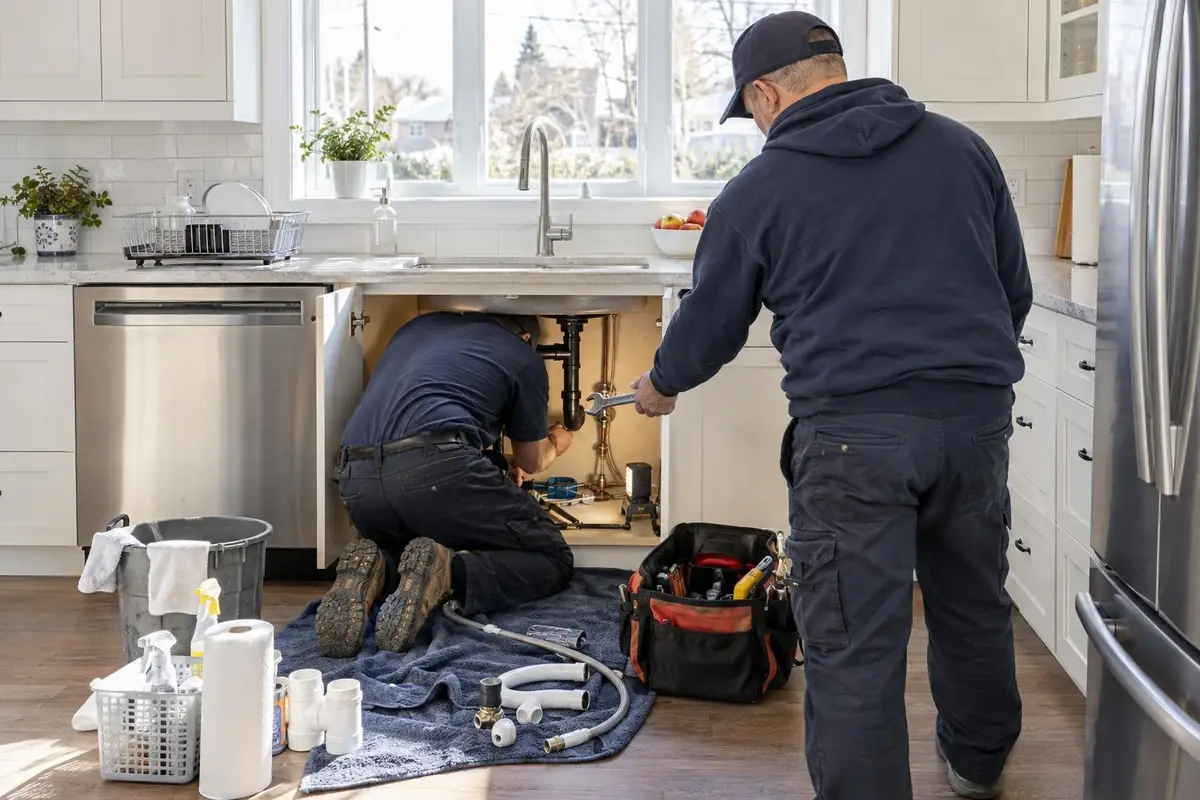
Google verifies that businesses hold applicable provincial or country-level licences. Extra requirements may also apply depending on your business type, province and country.
How do I know if I am Google Verified?
Look at your Local Services Ads profile and dashboard. A verified profile shows the Google Verified badge along with the checks you completed. Google's screening and verification process page tells advertisers to review the Local Services dashboard to confirm the requirements for their business. If you were an eligible advertiser with an old badge and had finished verification, no action was needed to get the new one.
A verified Google Business Profile is a separate step that shows you own or manage the listing. The badge comes from passing Local Services Ads screening on top of it.
What should you have ready before you apply?
Gather your paperwork first. Google's screening and verification process page says the best insurance document in the United States and Canada is a valid certificate of insurance that includes a signature. It must stay active for at least 14 days after you submit it, and the name on it must match the name you advertise under.
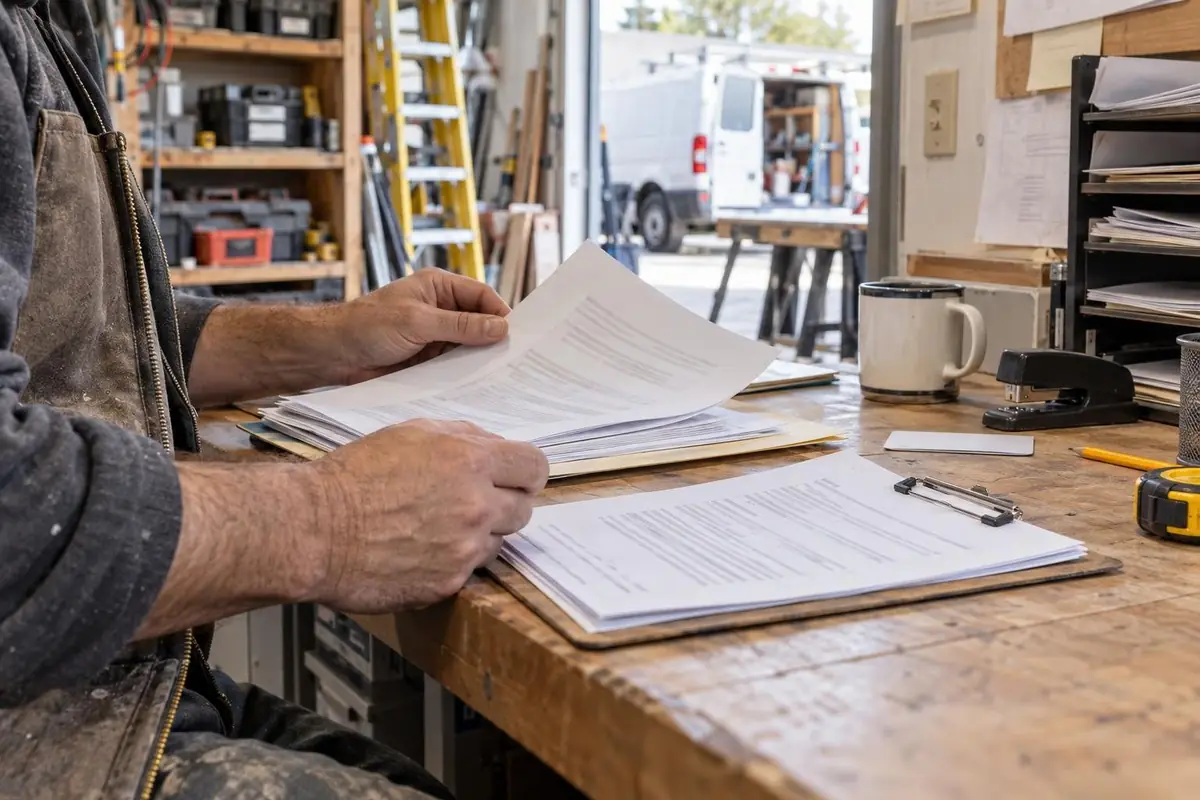
You will also need to prove your business registration by uploading documents, giving registration numbers or attesting to it. Use the exact business name from your registration on your Business Profile, your insurance and your licence.
Google Screened and Google Verified FAQ
What is Google Screened?
Google Screened was a Local Services Ads trust badge. In August 2025, Google announced that Google Verified would replace it and two other badges, Google Guaranteed and License Verified by Google. Contractors who pass Google's checks now earn the Google Verified badge instead.
What replaced Google Guaranteed?
The single Google Verified badge replaced Google Guaranteed. Google also discontinued the Money Back Guarantee tied to the old Google Guaranteed badge. Eligible existing advertisers who had completed verification moved to the new badge automatically.
How do contractors get the Google Verified badge?
Sign up for Local Services Ads, connect a public and verified Google Business Profile and pass the checks for your category and location. Google issues the badge once every requirement is met.
How do I get Google Screened in Canada?
Google Screened has been retired, so sign up for Local Services Ads and pass the checks for your category to earn Google Verified. Plumbing, electrical, HVAC and roofing are on Google's Canadian list of eligible home services.
Next steps
Our team builds and manages Google Ads and Local Services Ads for contractors. See our Google Ads management for contractors page, book a 30-minute call or phone us at 866-898-5439.