

Local SEO · 6 min read
Google Business Profile for Contractors: The Setup That Gets Calls
 By Adrian Martinez · 25+ years in web and marketing ·
On this page
A Google Business Profile is the free listing that puts contractors in the Google map pack, the three businesses shown above regular results for searches like "roofer near me". Set the right primary category, hide your address if you work at customers' homes, list real service areas, verify, then add photos and reviews every month.
Most trades businesses set their Google Business Profile up once and forget it. That is good news for you: getting the basics right puts you ahead of a lot of your competition. This guide walks through the setup we use with contractors across Ontario, in order.
What is a Google Business Profile and why do contractors need one?
Your Google Business Profile is your business listing on Google Search and Google Maps. It shows your name, phone number, reviews, photos, hours and service area, and it has a call button right on it. For a homeowner with a leaking pipe or a missing shingle, that call button is often the first and only thing they tap.
Google decides who shows up in the map pack based on three things. According to Google's own Business Profile help centre, local results are ranked on relevance, distance and prominence, and the number of reviews and your rating count toward prominence. You can't move your yard closer to every customer, but you can control almost everything else.
| Ranking factor | What Google looks at | What you control |
|---|---|---|
| Relevance | How well your profile matches the search | Primary category, services, description, your website |
| Distance | How far you are from the searcher or the place in the search | Honest service areas and city pages on your website |
| Prominence | How well known you are, including links and reviews | Review volume and rating, photos, links to your website |
How to set up your Google Business Profile, step by step
Work through these in order. Each step builds on the one before it.
- Claim or create the profile at business.google.com using an email you will always control, not a past employee's account.
- Pick your primary category to match your main trade exactly.
- Enter your real business name, exactly as it appears on your truck, invoices and registration.
- Hide your address and set service areas if customers don't come to you.
- Verify the profile using the method Google offers you.
- Add every service with a short description, plus hours, phone number and website.
- Upload real job photos and keep adding them every month.
- Start a review routine so every finished job turns into a review request.
Choose the right primary category
Your primary category tells Google what you are. Make it your main trade: "Roofing contractor", "Plumber", "HVAC contractor", "Electrician". Google's guidelines say to use as few categories as possible and to pick ones that describe what your business is, not every service it offers. Add a secondary category only when it is genuinely a second type of business you run, like a roofer that is also a gutter cleaning service.
A quick test: search your trade and city, then check which category the top three businesses use. If they share one and you don't, that is often why you are missing.
Use your real business name
Changing "Smith Roofing" to "Smith Roofing | Best Roofers Brampton" is tempting. Don't. Google's guidelines say the name must match the name you use in the real world, with no marketing taglines or location details added. Competitors can report a stuffed name, and the usual result is a forced edit or a suspended Google Business Profile.
Hide your address and set service areas
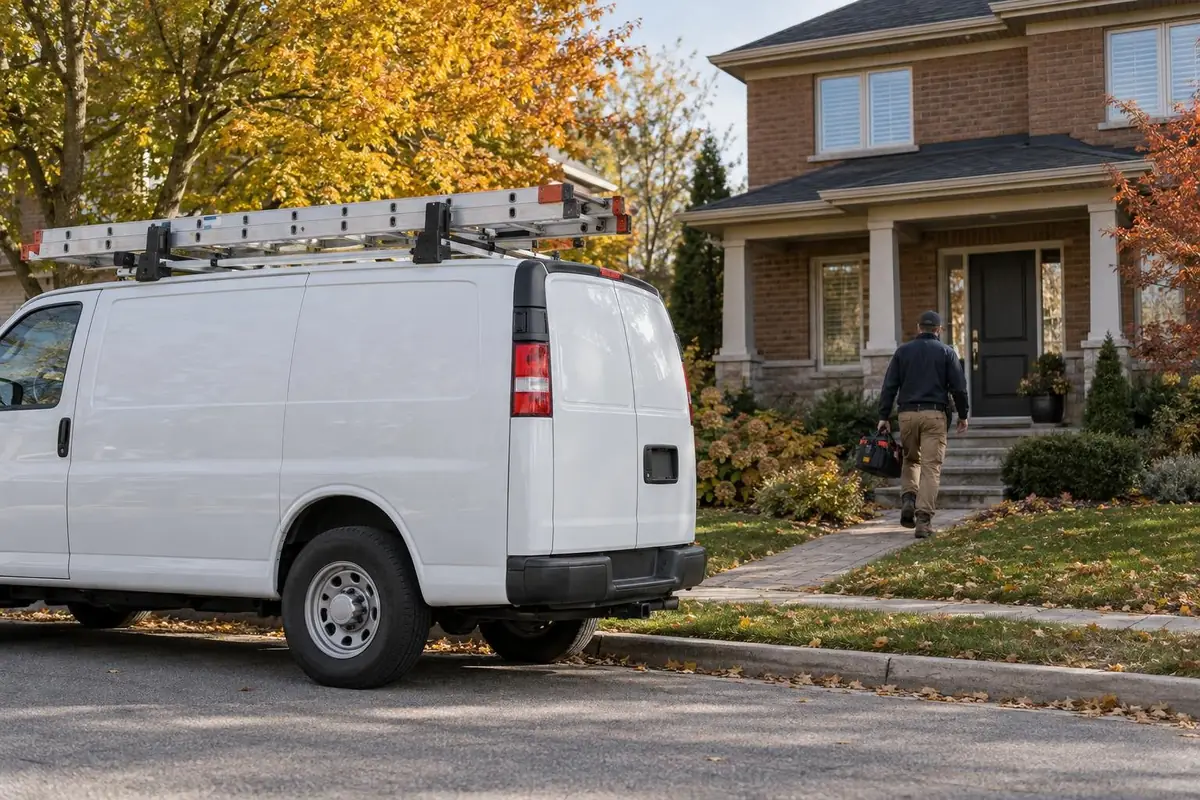
Most trades are service area businesses because you go to the customer. According to Google Business Profile Help, if you don't serve customers at your business address you should remove it, and you can list up to 20 service areas by city or postal code. Google also suggests keeping the whole area within about two hours of driving from your base.
Get through verification
Google picks which verification methods you can use, and for contractors that is often a video. Have three things ready before you start: something that shows your location (signage or a street sign), your equipment or branded vehicle, and proof you run the business, like non-sensitive business documents or keys opening your shop. Record it in one continuous take.
Photos, reviews and keeping the profile active
A profile that looks alive gets more calls. Make these habits part of closing out every job:
- Photos: before and after shots, your crew in uniform, your trucks. Skip text overlays.
- Reviews: ask every customer, send a direct review link by text, and reply to every review, good or bad.
- Questions and messages: answer them within a day. Unanswered questions look like nobody is home.
- Accuracy: keep hours, holiday closures and your phone number current.

Reviews matter to customers as much as to Google. According to BrightLocal's Local Consumer Review Survey (2026), 97% of consumers read reviews when choosing a local business. We wrote a full guide on getting more Google reviews without being pushy.
Google Business Profile mistakes that cost contractors calls
- Two profiles for the same business, or an old one nobody can log in to.
- A home address showing when you only work at customers' properties.
- Wrong hours, so Google shows you as closed when people search.
- A phone number that goes to voicemail most of the day.
- A website link to a page that doesn't match the profile's name, phone or service area.
One small fix most contractors miss: add tracking parameters to the website link on your profile, for example ?utm_source=google&utm_medium=organic&utm_campaign=gbp. Then Google Analytics shows exactly how many visits and leads your Google Business Profile sends.
Frequently asked questions
How long does it take to show up in the Google map pack?
A properly set up profile can start getting views within a few weeks. Competitive trades in large cities often take a few months of steady reviews, photos and website work to reach the top three.
Should a contractor show their address on Google?
Only if customers visit you. If you work from home or a yard customers do not visit, Google says to remove the address and set service areas instead.
How many service areas can I add to my Google Business Profile?
Google allows up to 20 service areas, set by city, postal code or region. Google suggests the overall area stay within about two hours of driving from your business.
Can I add keywords to my business name on Google?
No. Google requires the name you use in the real world, without taglines or locations. Keyword-stuffed names can be edited or suspended.
Do Google Business Profile posts help ranking?
Posts have a small effect at best. They show the profile is active, but categories, reviews, photos and your website matter much more.
Can I have more than one Google Business Profile for different cities?
Only if you have a real, staffed location in each city. One business working from one base gets one profile with a service area.
Next steps
Run through the eight setup steps above this week, then put photos and review requests on a monthly routine. If you would rather hand it off, our SEO and Google Business Profile service covers setup, optimization, photos and monthly reporting. It is part of our Get Found package, with every price listed on the pricing page.
Keep reading
More on Local SEO.
Keep going with related guides from our library.
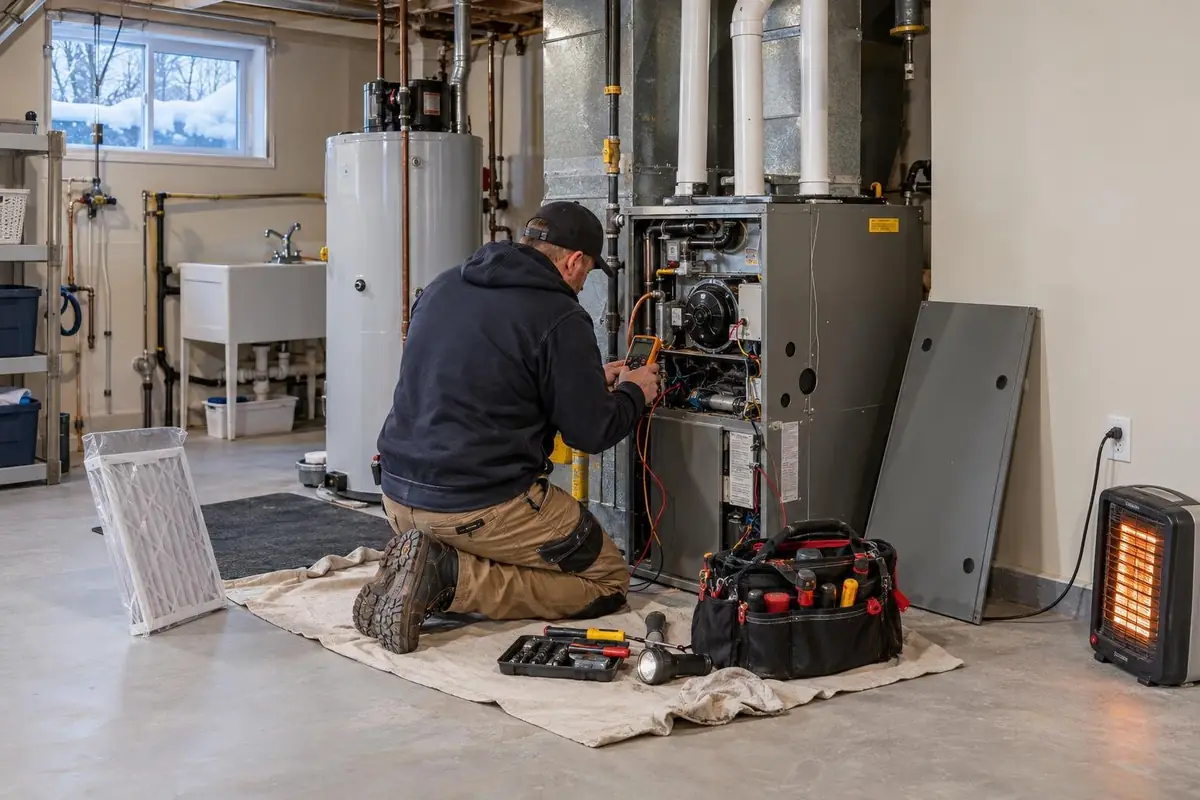
HVAC SEO: How Heating and Cooling Companies Win Local Search
A practical guide to HVAC SEO for heating and cooling companies: the pages to build, how to match your Business Profile, and how to plan around furnace season and cooling season.
Read the Guide
Roofing SEO: How Roofing Companies Get Found on Google
Roofing SEO in plain steps: one page for each roofing service, a Business Profile with real roof photos, steady reviews, storm pages built early and location pages only where you work.
Read the Guide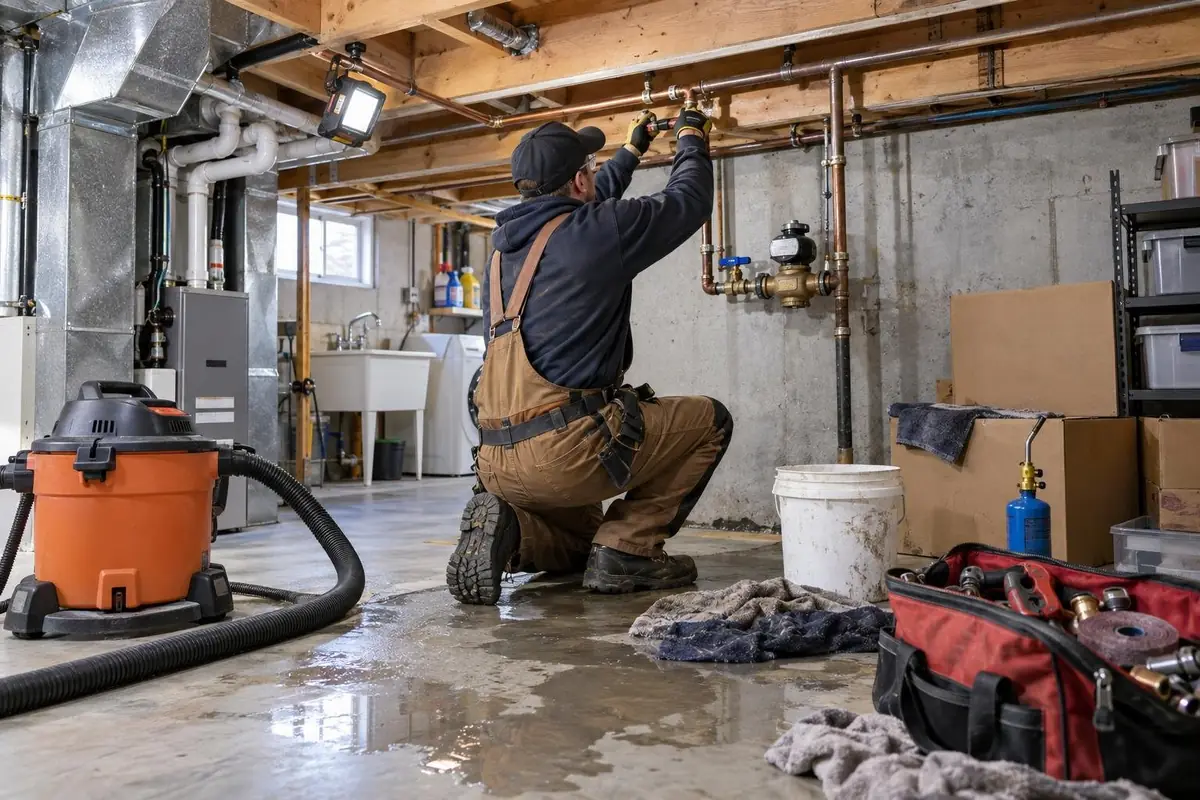
SEO for Plumbers: How to Show Up First for Emergency Calls
How plumbing companies show up first when a pipe bursts: a page for each emergency service, accurate Business Profile hours, reviews that name the job and fast pages on a phone.
Read the Guide