

Local SEO · 4 min read
How to Get More Google Reviews as a Contractor (Without Being Pushy)
 By Adrian Martinez · 25+ years in web and marketing ·
On this page
Contractors get more Google reviews by asking every customer at the final walkthrough, then texting a direct review link the same day with one reminder a few days later. Use your Google review link or QR code, keep the message short and personal, reply to every review, and never offer incentives or only ask happy customers.
Most trades businesses do great work and still have a handful of Google reviews, because nobody asks consistently. The fix isn't a trick. It's a simple routine that happens after every job.
How do contractors get more Google reviews?
Here is the routine in five steps. The rest of this guide explains each one.
- Ask in person at handover, when the customer is happiest.
- Text the link the same day, ideally within the hour.
- Send one reminder three or four days later if they haven't posted. Then stop.
- Reply to every review within a day or two.
- Automate it so it happens even on your busiest week.
Why Google reviews matter more than ever
Google reviews do two jobs. They help you rank, because Google says review count and rating feed into local prominence. And they decide who gets the call when a homeowner compares three contractors. The numbers from BrightLocal's Local Consumer Review Survey (2026, US consumers) show how much they weigh:
| What consumers said | Share | What it means for you |
|---|---|---|
| Read reviews for local businesses | 97% | Your reviews get read before your website does |
| Only care about reviews from the last three months | 74% | A steady monthly flow beats an old pile |
| Won't use a business with fewer than 20 reviews | 47% | Getting past 20 is your first milestone |
| Expect owners to respond to reviews | 89% | Unanswered reviews look like nobody is home |
When and how to ask for a review
Ask at the right moment
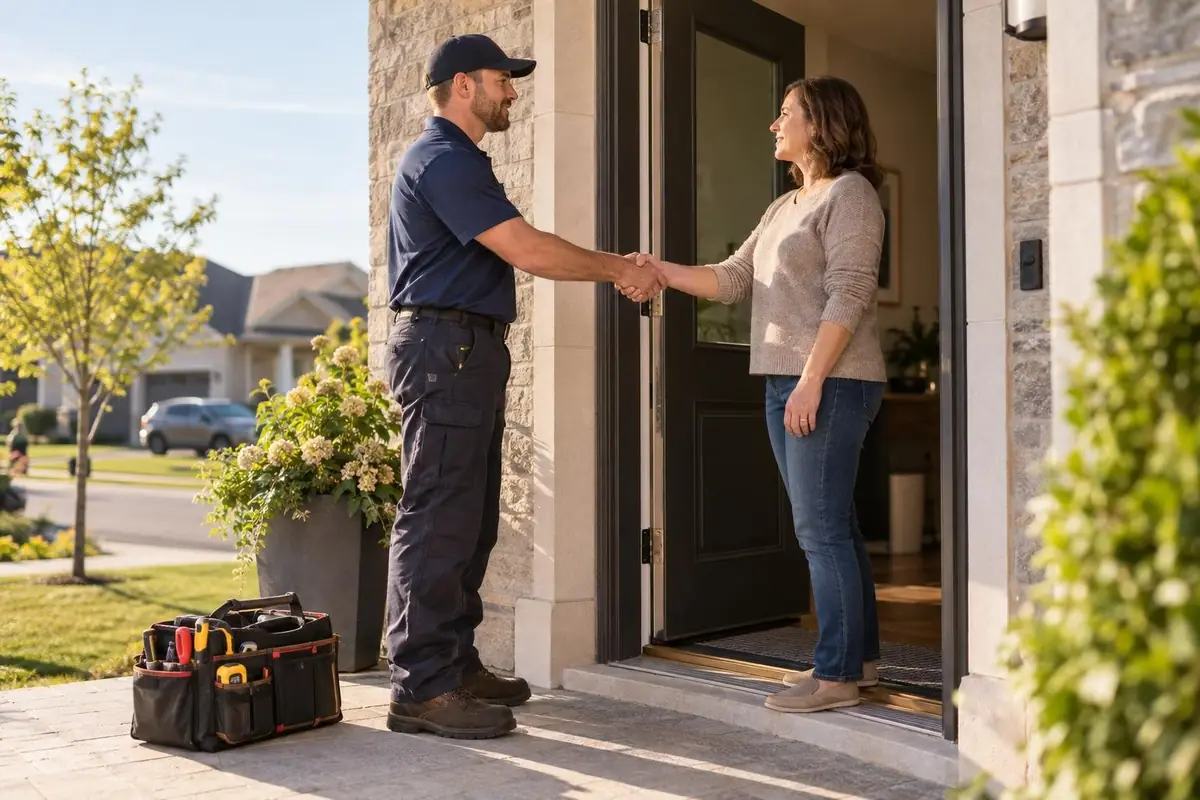
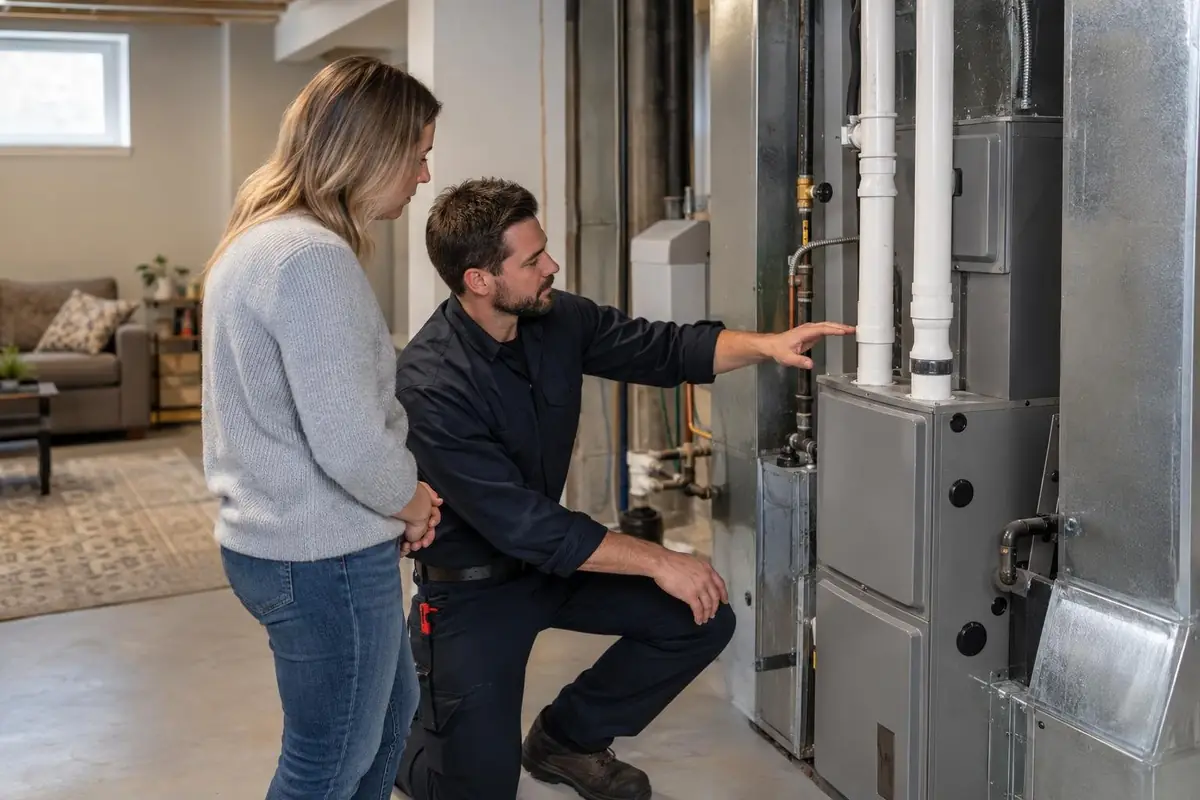
The best time is the final walkthrough: the furnace is running, the leak is fixed, the new roof looks great from the street. Have the tech or foreman ask in person. A face the customer just met beats an email from the office, and that good feeling fades fast once the invoice arrives.
Make it take ten seconds
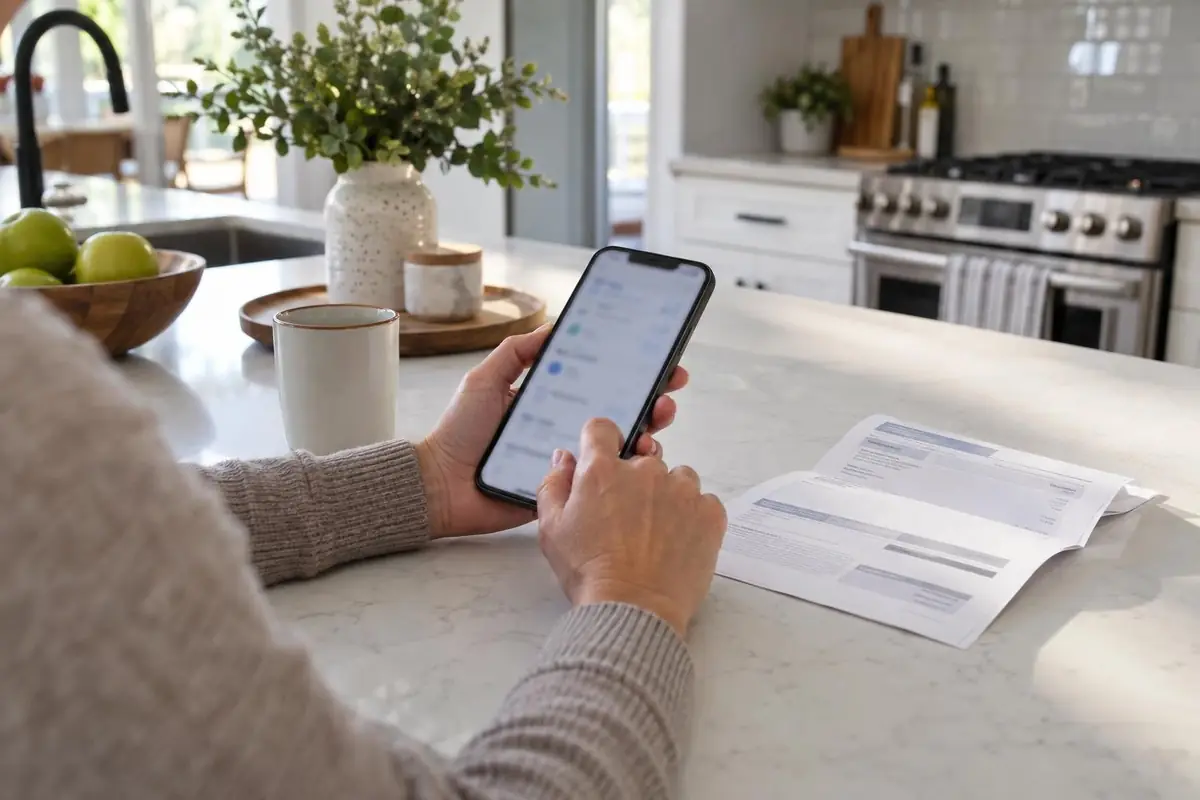
Every extra tap loses reviews, so never tell people to "search for us on Google". Google lets you create a review link or QR code straight from your Business Profile. Text the link, print the QR code on your invoice or leave-behind card, and remind customers they need a Google account to post.
What to send
Keep it short, personal and specific to the job:
Hi Sarah, it's Mike from Northline Roofing. Thanks again for having us out today. If you're happy with the new roof, a quick Google review would mean a lot to our small team: [link]. It takes about 30 seconds.
Google review rules: what you can't do
Breaking the rules can get Google reviews removed or your profile restricted. Google's review policy prohibits all of these:
- Incentives. No discounts, gift cards, draws or free services in exchange for a review, or for changing or removing a bad one.
- Review gating. No surveying customers first and only sending happy ones to Google. Ask everyone.
- Discouraging negative reviews. You can't ask customers not to post a bad review.
- Fake reviews. Not from staff, family, other accounts or a paid service.
There is a Canadian angle too. The Competition Act prohibits false or misleading claims made to promote a business, and the Competition Bureau asks people to report companies using fake or misleading reviews.
How to reply to Google reviews, good and bad
- Good reviews: thank them by name and mention the job. "Thanks Sarah, glad the new roof is keeping things dry."
- Bad reviews: reply calmly within a day or two, don't argue in public, and offer to sort it out by phone.
- Privacy: never share details about the customer, their home or what they paid.
A professional reply to a one-star review often earns more trust than another five-star, because it shows future customers how you handle problems.
Frequently asked questions
How many Google reviews does a contractor need?
Aim to have more recent reviews than the businesses beside you in the map pack. BrightLocal (2026) found 47% of consumers won't use a business with fewer than 20 reviews, so 20 is a good first milestone.
Can I offer a discount for a Google review?
No. Google prohibits offering money, discounts or free services for reviews, and reviews posted because of an incentive are removed.
Can I ask a customer to update a bad review?
You can fix the problem and politely let them know they are welcome to update their review. Do not pressure them or offer anything in exchange.
Is it OK to ask only my happiest customers for reviews?
No. Selectively asking for positive reviews, called review gating, breaks Google's policy. Send the same request to every customer.
Should I reply to reviews that have no text?
Yes. A short thank you is enough, and it shows the profile is actively managed.
Can I show my Google reviews on my website?
Yes, as long as they are genuine and unedited. Ideally they update automatically so the site always shows your latest reviews.
Next steps: put review requests on autopilot
The routine above works, but only if it happens every time, and on a busy week the review text is the first thing forgotten. We set it up to run on its own: when a job is marked complete in your CRM or job software, the customer gets the review text, and one reminder follows a few days later.
Our Follow-Up & Automation service builds this for you, along with missed-call text back and quote follow-ups. Pair it with a properly set up Google Business Profile and see the packages on our pricing page.
Keep reading
More on Local SEO.
Keep going with related guides from our library.
HVAC SEO: How Heating and Cooling Companies Win Local Search
A practical guide to HVAC SEO for heating and cooling companies: the pages to build, how to match your Business Profile, and how to plan around furnace season and cooling season.
Read the Guide
Roofing SEO: How Roofing Companies Get Found on Google
Roofing SEO in plain steps: one page for each roofing service, a Business Profile with real roof photos, steady reviews, storm pages built early and location pages only where you work.
Read the Guide
SEO for Plumbers: How to Show Up First for Emergency Calls
How plumbing companies show up first when a pipe bursts: a page for each emergency service, accurate Business Profile hours, reviews that name the job and fast pages on a phone.
Read the Guide